KDP Dot Grid Paper 5: A Practical Interior Resource
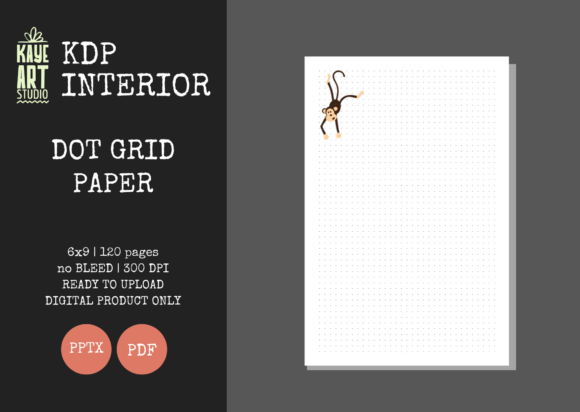
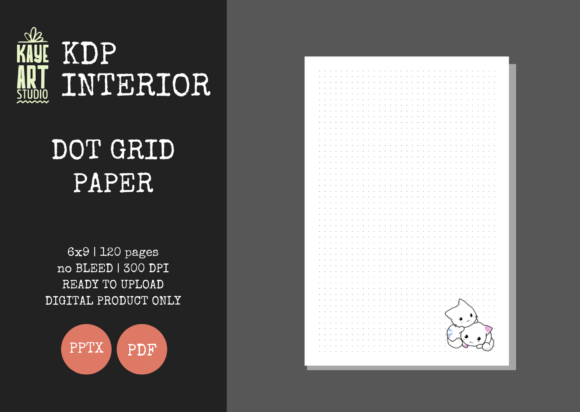
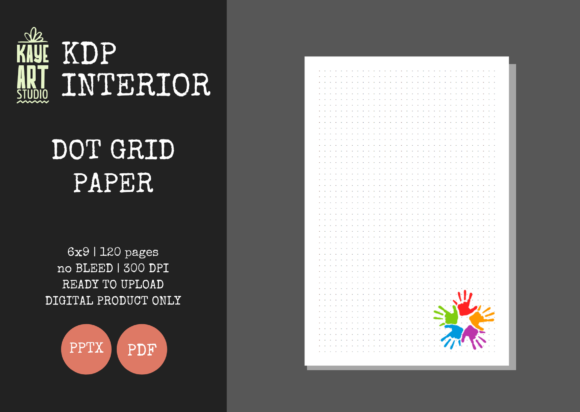
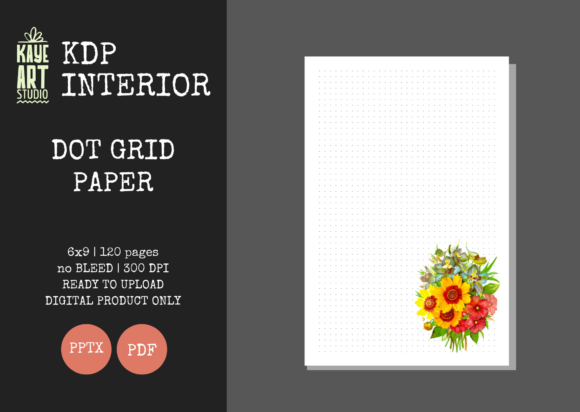
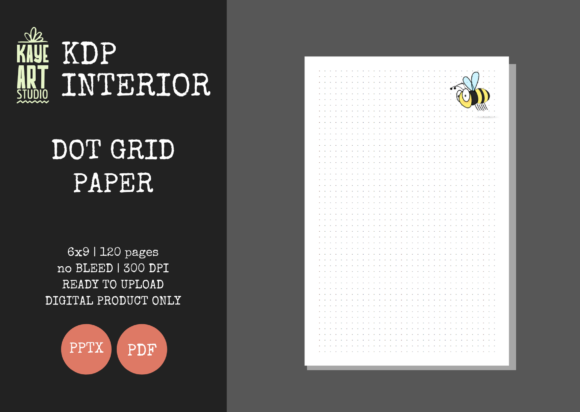
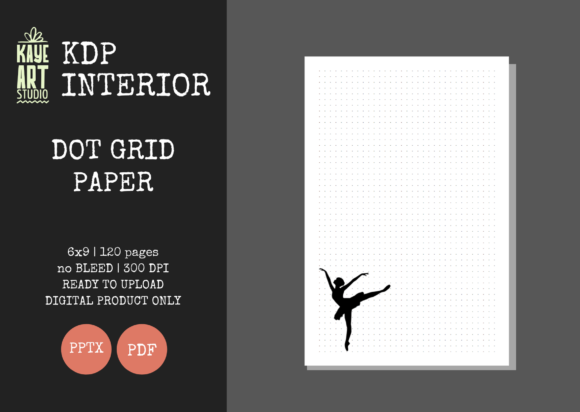
Creating a successful low-content book on Amazon KDP often comes down to the quality and usability of the interior. KDP Dot Grid Paper 5 provides a streamlined foundation for publishers looking to offer functional, versatile notebooks without spending hours designing individual pages. This specific resource is a 6x9 inch, 120-page dot grid journal designed with no bleed settings, making it an accessible starting point for both new and experienced self-publishers. Because the file is available in both PDF and editable PPTX formats at 300 DPI, it balances immediate upload readiness with the flexibility to customize branding or layout elements before publication.
Why Audience Perspective Shapes Interior Selection
The value of a pre-made interior like KDP Dot Grid Paper 5 is not universal; it shifts depending on where you are in your publishing journey and what you hope to achieve. A hobbyist journaling for personal use has vastly different requirements than a marketer building a catalog of niche notebooks. Understanding these distinctions helps prevent wasted time on resources that do not align with your current objectives.
For beginners, the primary barrier to entry is often technical anxiety regarding margins, bleed, and resolution. This template removes that friction by providing files already tested for KDP compliance. Conversely, established publishers may view this asset as a volume enabler—a reliable base that allows them to test new niches rapidly without reinventing the wheel for every title. Educators might prioritize the clean, distraction-free layout for student note-taking, while entrepreneurs may focus on how quickly they can add a logo or custom intro page using the PowerPoint file. Recognizing your own priority—whether it is speed, customization, learning, or commercial scalability—is the first step in determining if this specific interior supports your goals.
Evaluating Technical Specifications for Real-World Use
Before integrating any pre-made interior into your workflow, it is essential to understand how its technical constraints affect the final product. KDP Dot Grid Paper 5 is configured with specific parameters that dictate its best use cases.
- Trim Size (6x9 in): This is the industry standard for trade paperbacks and journals. It offers a portable form factor that appeals to students, professionals, and travelers. If your target audience expects a desk-bound reference book or a large-format sketchpad, this size may be too compact.
- No Bleed Settings: The "no bleed" configuration means all content sits safely within the margin boundaries. This simplifies the cover design process and reduces printing errors, but it also limits edge-to-edge artistic designs. Users seeking immersive, full-page graphics will need a bleed-enabled template instead.
- 120 Pages: This page count creates a substantial yet lightweight journal. It is ideal for quarterly planners, project-specific notebooks, or travel journals. For users intending to create year-long daily logs, 120 pages may be insufficient, requiring either multiple volumes or a different template.
- 300 DPI Resolution: Print clarity is non-negotiable for dot grid paper. Low-resolution dots appear pixelated or gray rather than crisp and subtle. The 300 DPI specification ensures professional print quality, which directly impacts customer reviews and return rates.
Different Priorities for Different Creators
The decision to use KDP Dot Grid Paper 5 should be weighted against what matters most to your specific situation. There is no single "best" interior, only the one that best fits your current constraints and aspirations.
Speed and Reliability vs. Creative Control
If your goal is to validate a niche quickly or maintain a consistent publishing schedule, the ready-for-upload PDF is invaluable. You can move from concept to live listing in minutes. However, creators who view their journals as brand extensions may find the unedited PDF too generic. The included PPTX file bridges this gap, allowing you to modify headers, add motivational quotes, or insert branded elements. This duality makes the resource useful for both rapid testers and brand-conscious publishers, though each group will utilize different aspects of the package.
Cost Efficiency vs. Unique Value Proposition
Pre-made interiors significantly reduce production costs compared to hiring a designer or purchasing expensive software. For small business owners operating on thin margins, this efficiency is critical. Yet, cost savings must be balanced against market saturation. Dot grid journals are competitive. Professionals using this template should consider how they will differentiate their offering through cover design, niche targeting, or supplementary content added via the editable file. The interior is a foundation, not a complete product strategy.
Learning Value for New Publishers
Beginners often learn more from dissecting a well-structured template than from theoretical tutorials. Examining the layer structure, margin setup, and master slide configuration in the PPTX file provides practical education in book formatting. This hands-on learning accelerates skill development far beyond passive consumption of guides. For educators or mentors teaching self-publishing, this template serves as an excellent instructional tool that demonstrates industry standards in a tangible way.
Practical Applications Across User Types
Understanding how others leverage similar resources can clarify whether KDP Dot Grid Paper 5 aligns with your intended application.
Freelancers and Coaches: Many service providers create client workbooks or session journals. The editable PPTX allows insertion of coaching frameworks, reflection prompts, or session tracking tables alongside the dot grid. This transforms a generic notebook into a specialized tool that reinforces their methodology and adds perceived value to their services.
Educators and Tutors: Dot grid paper supports both structured note-taking and freeform diagramming, making it ideal for STEM subjects, language learning, or art classes. Teachers can add subject-specific headers, assignment trackers, or vocabulary sections. The 6x9 size fits easily in backpacks, and the 120-page count aligns well with semester-length courses.
Niche Marketers: Publishers targeting specific communities—such as gardeners, knitters, or fitness enthusiasts—can customize the interior to include relevant tracking pages, measurement charts, or project logs. The dot grid then serves as flexible space for sketches, modifications, or freeform notes that complement the structured content. This hybrid approach increases utility and justifies premium pricing over blank alternatives.
Hobbyists and Personal Users: Not every journal needs to be a commercial product. Individuals exploring bullet journaling, habit tracking, or creative expression benefit from a professionally formatted starting point without the learning curve. The no-bleed setup ensures home-printed versions also look clean, supporting personal experimentation before committing to commercial publishing.
Determining Fit for Your Project
KDP Dot Grid Paper 5 is a practical tool, but it is not universally appropriate. Before proceeding, honestly assess your project against these considerations:
- Does your target audience prefer the 6x9 trim size, or do they expect a different format?
- Is 120 pages sufficient for your intended use case, or will customers perceive it as incomplete?
- Are you comfortable working within no-bleed constraints, or does your vision require edge-to-edge design?
- Do you have the skills or willingness to customize the PPTX file if differentiation is necessary for your niche?
- Have you planned a cover design that complements this interior, keeping in mind that covers are not included?
If your answers reveal misalignment, this particular resource may not serve you well—and that is valuable information. Choosing the wrong template leads to poor reviews, returns, and wasted effort. However, if the specifications match your needs and the flexibility supports your goals, KDP Dot Grid Paper 5 offers a reliable, efficient foundation for your next publishing project. The key is intentional selection based on clear understanding rather than convenience alone.