KDP Dot Grid Paper 66: A Practical Asset for Low-Content Publishing
For self-publishers operating within the Amazon KDP ecosystem, the efficiency of interior file creation often dictates overall profitability. While high-content books require months of writing and editing, low and no-content books rely heavily on volume, niche selection, and production speed. KDP Dot Grid Paper 66 serves as a specialized utility in this workflow, offering a pre-formatted solution that addresses specific technical requirements while reducing design time. This resource is not merely a collection of dots; it is a standardized template engineered to streamline the publishing process for entrepreneurs, educators, and creative professionals who need reliable, upload-ready assets.
Technical Specifications and Platform Compliance
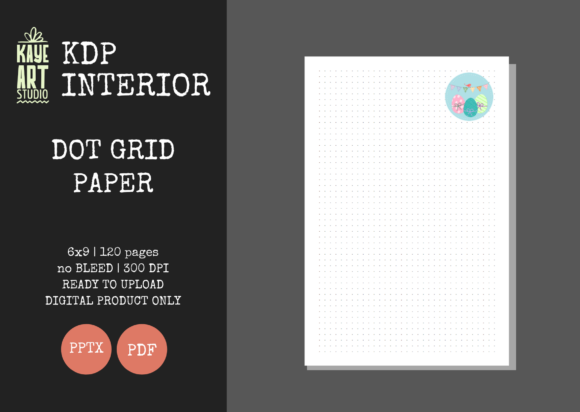
The primary value proposition of KDP Dot Grid Paper 66 lies in its adherence to strict KDP formatting guidelines. Self-publishers frequently encounter rejection notices or printing errors due to incorrect margin settings, bleed miscalculations, or resolution issues. This template eliminates much of that technical friction through precise configuration.
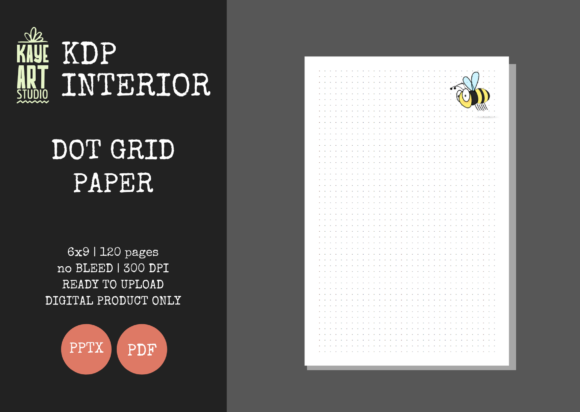
- Trim Size: The 6×9 inch dimension is arguably the most versatile size in the low-content market. It strikes an optimal balance between portability and usable writing space, making it suitable for everything from field notes and travel journals to academic graphing and habit tracking.
- Bleed Settings: Configured specifically for NO BLEED. This is a critical distinction. Many designers accidentally create interiors where grid lines extend to the page edge, resulting in trimmed content or white borders that look unprofessional. This template keeps all safe zones intact, ensuring the dot grid remains perfectly centered with appropriate margins for binding.
- Page Count: At 120 pages, this interior hits a sweet spot for spine width and perceived value. Books under 100 pages often have spines too thin for legible text, while those over 150 can increase printing costs enough to squeeze royalties. 120 pages provides substantial utility without inflating production expenses.
- Resolution: All files are rendered at 300 DPI. This is the non-negotiable industry standard for print clarity. Lower resolution templates often result in pixelated dots or fuzzy lines when printed on standard KDP paper stock, leading to negative customer reviews regarding print quality.
Workflow Efficiency Through Dual File Formats
A significant differentiator for KDP Dot Grid Paper 66 is the inclusion of both PDF and PPTX file types. While the PDF serves as the final, upload-ready document, the editable PowerPoint file transforms this product from a static asset into a flexible foundation. For publishers managing multiple SKUs, this editability is essential.
PowerPoint is surprisingly capable for interior layout adjustments. Users can modify the opacity of the dots, adjust spacing intervals, or add introductory pages, copyright notices, and "This Book Belongs To" fields without needing expensive software like Adobe InDesign or Affinity Publisher. This lowers the barrier to entry for new publishers and allows established creators to iterate quickly. Instead of designing a new grid from scratch for every variation, you can duplicate the master PPTX, make minor tweaks, and export a fresh PDF in minutes. This capability supports the testing of multiple niches—such as engineering notebooks versus knitting pattern planners—using a single, consistent base structure.
Evaluating Print Quality and User Experience
The effectiveness of a dot grid journal depends entirely on the subtlety of the grid itself. If the dots are too dark, they distract from the user's handwriting or sketches. If they are too light, they fail to serve their purpose as alignment guides. KDP Dot Grid Paper 66 is designed with standard KDP paper limitations in mind. Standard color printing on cream or white paper tends to absorb ink differently than premium offset printing, which can cause fine details to spread or vanish.
This template accounts for that variance. The dot weight and spacing are calibrated to remain visible yet unobtrusive after the printing process. For the end-user, this translates to a functional tool rather than a novelty item. Professionals using these journals for bullet journaling, architectural sketching, or data visualization require consistency. When evaluating this asset, one must consider that the uniformity of the grid directly impacts the perceived quality of the final physical book. A misaligned or inconsistent grid suggests amateur production, whereas precise geometry signals professional intent.
Strategic Fit for Publishers and Creators
Understanding who benefits most from KDP Dot Grid Paper 66 helps determine its place in your business model. It is particularly valuable for three distinct segments of the low-content publishing community.
The Volume Publisher
For marketers and entrepreneurs focused on portfolio scaling, time is the limiting factor. Creating unique interiors for hundreds of listings is unsustainable. This template provides a verified baseline that has been tested on KDP, removing the quality assurance phase from the production cycle. The ability to trust that the file will pass review allows for faster deployment and more time spent on keyword research and cover design.
The Niche Specialist
Educators, therapists, and small business owners often create journals for specific audiences but lack graphic design expertise. A math tutor might need a dot grid notebook for students, or a project manager might want branded team notebooks. The editable PPTX format allows these users to customize the interior just enough to fit their specific context without learning complex layout software. The 6×9 size is also ideal for these use cases, fitting easily into backpacks, lab coats, or desk organizers.
The Hybrid Creator
Freelancers and bloggers who sell digital downloads alongside physical books can utilize this asset across platforms. While the listing specifies KDP compatibility, the underlying grid structure is universally useful. However, users should note that this listing is for the interior only. Cover creation remains a separate requirement. This separation is actually beneficial, as it prevents the common pitfall of using generic, bundled covers that flag duplicate content algorithms. By sourcing or designing custom covers separately, publishers ensure each SKU remains unique in Amazon’s catalog.
Practical Limitations and Considerations
While KDP Dot Grid Paper 66 offers significant advantages, objective evaluation requires acknowledging its boundaries. First, the "No Bleed" setting, while safer for beginners and standard grids, limits certain artistic applications. If your target audience expects full-page illustrations or edge-to-edge designs, this template is not suitable. You would need to source or create a bleed-enabled version instead.
Secondly, reliance on PowerPoint for editing has constraints. While excellent for basic modifications, PPTX lacks the advanced typographic controls and master page fluidity of dedicated desktop publishing tools. Complex layout changes or bulk text styling may become tedious compared to professional software. Publishers planning extensive customization should view this as a starting point rather than a comprehensive design suite.
Finally, because dot grid paper is a competitive category, the interior alone does not guarantee sales. The value of this asset is realized only when paired with strong market research and compelling cover design. The interior ensures the product functions correctly and looks professional, but it cannot compensate for poor niche targeting. Users should treat KDP Dot Grid Paper 66 as a high-quality component in a broader publishing strategy, not a standalone solution for revenue generation.
Final Assessment of Utility
In the landscape of KDP resources, KDP Dot Grid Paper 66 represents a pragmatic choice for serious publishers. It prioritizes technical accuracy and workflow efficiency over unnecessary embellishments. The combination of correct trim size, safe margin settings, high resolution, and editable source files addresses the most common pain points in low-content book creation. For adults building a publishing business, teaching tools, or organizational systems, it offers a reliable foundation that reduces risk and accelerates production. By handling the technical heavy lifting, it allows creators to focus their energy on what truly differentiates their products in a crowded marketplace: unique positioning, superior cover design, and genuine audience connection.