KDP Dot Grid Paper 16: A Practical Asset for Low-Content Publishing
For publishers operating within the Amazon KDP ecosystem, the margin between a profitable catalog and a stagnant portfolio often lies in production efficiency. While creating unique interiors is ideal for premium products, scaling a low-content business requires reliable, standardized assets that reduce friction without sacrificing quality. KDP Dot Grid Paper 16 serves this specific operational need. It is not merely a digital file; it is a pre-validated production template designed to streamline the creation of 6x9 journals. By addressing common technical pitfalls such as bleed errors and resolution issues upfront, this asset allows creators to focus on niche research and cover design rather than repetitive formatting tasks.
Technical Specifications and Production Readiness
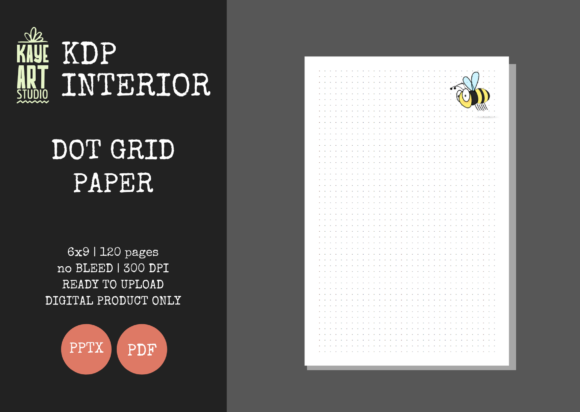
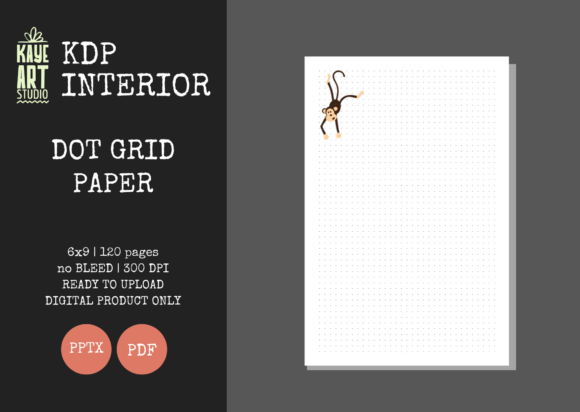
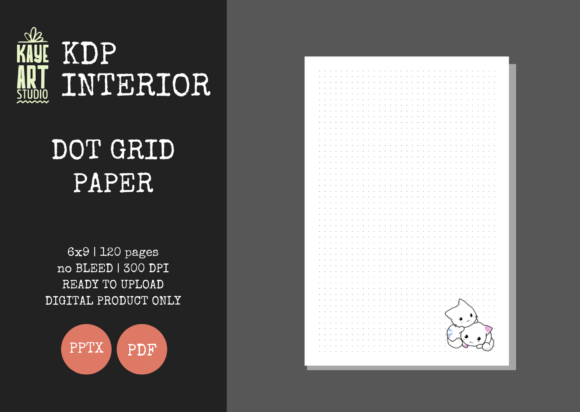
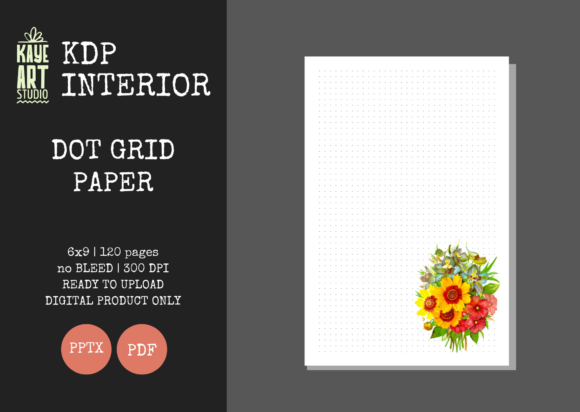
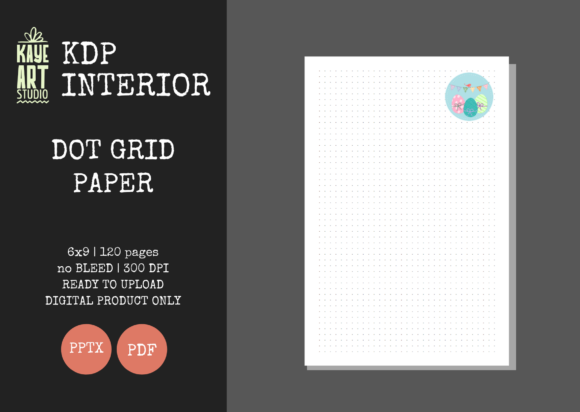
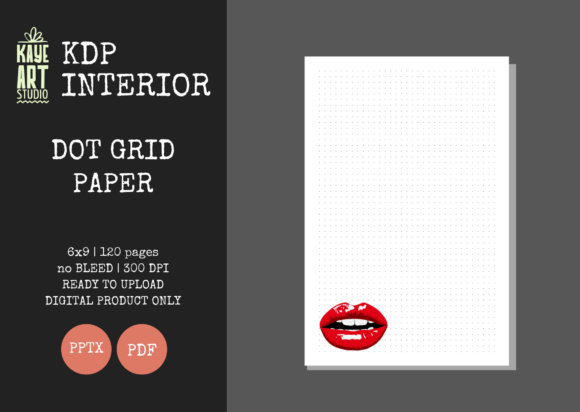
The primary value proposition of KDP Dot Grid Paper 16 is its adherence to strict KDP manufacturing standards. Many generic templates found online fail because they do not account for the precise safety margins required by Amazon’s printing partners. This resource eliminates that risk through specific configuration:
- Trim Size: Fixed at 6x9 inches, the industry standard for trade paperbacks and journals.
- Bleed Settings: Configured specifically for NO BLEED. This is a critical distinction. The dot grid pattern stays within the safe zone, ensuring no content is trimmed off during the binding process.
- Page Count: 120 pages. This length hits a sweet spot for perceived value versus printing cost, keeping royalties healthy while offering substantial utility to the end user.
- Resolution: 300 DPI. This ensures crisp, professional print quality. Low-resolution grids often appear pixelated or gray when printed on standard KDP paper; this file maintains sharpness.
- File Formats: Includes both PDF and PPTX. The PDF is ready for immediate upload, while the PowerPoint file offers editability.
The inclusion of a tested, ready-for-upload PDF cannot be overstated. For professionals managing multiple SKUs, the time saved by skipping the export-and-verify cycle for every new journal title compounds significantly over a fiscal quarter. The files have been validated against KDP’s current submission guidelines, reducing the likelihood of rejection due to interior formatting errors.
Evaluating the No-Bleed Configuration
A deliberate design choice in KDP Dot Grid Paper 16 is the "No Bleed" setting. In the context of dot grid journals, this is often superior to full-bleed designs. Full-bleed interiors require larger trim sizes and more complex file setup to ensure the pattern extends to the edge without being cropped unevenly. By keeping the grid within the safe margins, this template ensures consistency across different printing facilities.
From a user experience perspective, a no-bleed grid provides a natural visual frame. Writers and sketchers often prefer a defined boundary that keeps their content centered and away from the gutter or outer edge. This makes the interior feel more intentional and less like a mass-produced notebook where the pattern runs haphazardly into the binding. For the publisher, it also simplifies cover creation. You do not need to worry about matching an interior pattern to the spine or back cover bleed area, allowing for greater creative freedom on the exterior while maintaining a clean, professional interior structure.
Editability and Customization Potential
While the PDF is sufficient for rapid deployment, the included editable PowerPoint (PPTX) file transforms this from a static product into a flexible base asset. Professionals understand that differentiation is key in saturated markets. With the PPTX source file, you can:
- Add a branded title page or copyright notice.
- Insert introductory prompts, habit trackers, or index pages before the grid section.
- Adjust dot opacity or spacing if your specific niche requires a lighter or heavier guide.
- Create variations of the same core product to test different value propositions.
This flexibility supports an agile publishing strategy. Instead of purchasing separate templates for a "Gratitude Journal," a "Project Planner," and a "Sketchbook," you can adapt KDP Dot Grid Paper 16 to serve all three functions simply by modifying the front matter. This reduces overhead and keeps your asset library organized.
Market Fit and Audience Alignment
Understanding who actually uses dot grid paper helps in positioning books created with this template. The 6x9 format with 120 pages appeals to a demographic that values portability and structure. This includes students, bullet journalists, field researchers, and professionals who need a physical capture tool that fits in a bag or laptop sleeve.
The dot grid itself occupies a middle ground between lined paper and blank paper. It offers enough structure for neat handwriting and diagramming without the rigidity of horizontal lines. This versatility makes KDP Dot Grid Paper 16 suitable for a wide range of niches:
- Bullet Journaling: The primary market. Users need consistent dot spacing for rapid logging.
- STEM Notebooks: Ideal for graphing, geometry, and technical sketches where alignment matters.
- Creative Planning: Designers and architects use dot grids for wireframing and layout concepts.
- Mindfulness and Therapy: The open structure supports free-form expression, art therapy, and unstructured reflection.
Because the template is neutral and high-quality, it avoids pigeonholing your product. You are selling utility, not just a specific theme. This broad applicability is essential for long-term catalog health, as trends shift but the need for functional paper remains constant.
Operational Considerations and Limitations
While KDP Dot Grid Paper 16 is a robust tool, objective evaluation requires acknowledging its boundaries. First, this listing is for the interior only. Publishers must possess the skills or resources to create compliant, attractive covers. A high-quality interior cannot compensate for a poor cover; in fact, it may lead to negative reviews if the exterior promises something the interior does not deliver, or vice versa.
Second, the 120-page count is fixed in the PDF version. If your niche research indicates a need for a 200-page workbook or a slim 80-page pocket notebook, you will need to utilize the PPTX file to add or remove pages. While PowerPoint is accessible, it is not a dedicated typesetting tool like InDesign or Affinity Publisher. Extensive modifications may require careful attention to master slides and page numbering to maintain the 300 DPI integrity and alignment.
Additionally, because this is a standardized asset, other publishers may be using the exact same base grid. Differentiation must come from your cover design, metadata, branding, and any custom front-matter you add via the editable file. Relying solely on the stock PDF without any modification increases the risk of creating duplicate content flags or failing to stand out in search results. Treat KDP Dot Grid Paper 16 as a foundation, not a finished product.
Quality Assurance and Long-Term Value
In the low-content space, quality control is the primary filter for success. Amazon’s automated review systems and customer feedback loops are unforgiving of blurry text, incorrect margins, or binding issues. The fact that KDP Dot Grid Paper 16 has been tested on KDP provides a layer of insurance. The 300 DPI specification ensures that dots remain distinct points rather than smudges, even on standard cream or white paper stock.
For serious publishers, this reliability translates to sustainable workflow. When you know an interior file is technically sound, you can allocate mental energy to keyword research, advertising strategies, and audience building. The initial investment in a verified template pays dividends by preventing costly reprints, rejected submissions, and damaged brand reputation.
Ultimately, KDP Dot Grid Paper 16 represents a pragmatic approach to digital publishing. It balances the need for speed with the non-negotiable requirement for quality. Whether you are launching your first journal or optimizing a backlist of hundreds of titles, having a dependable, editable, and compliant dot grid interior in your toolkit removes technical friction and supports scalable growth. It is a functional component of a professional publishing workflow, best utilized by those who understand that in low-content books, execution and consistency matter as much as creativity.