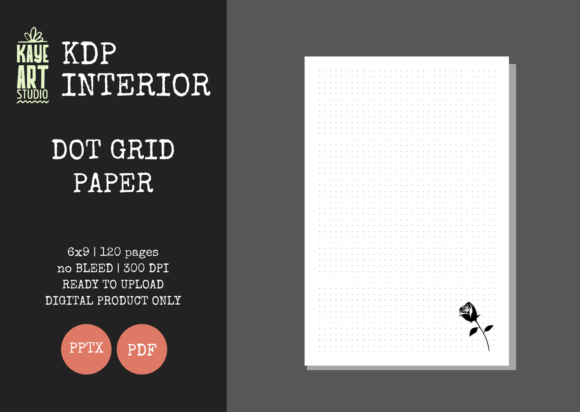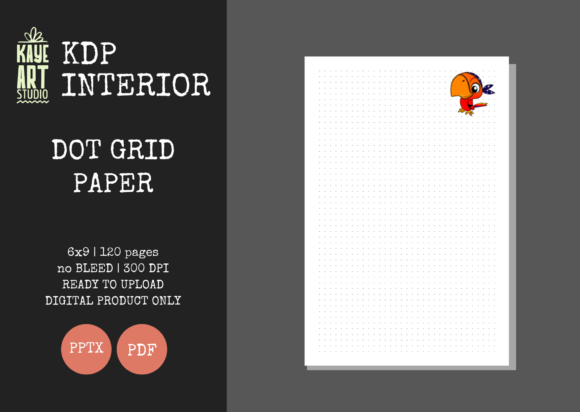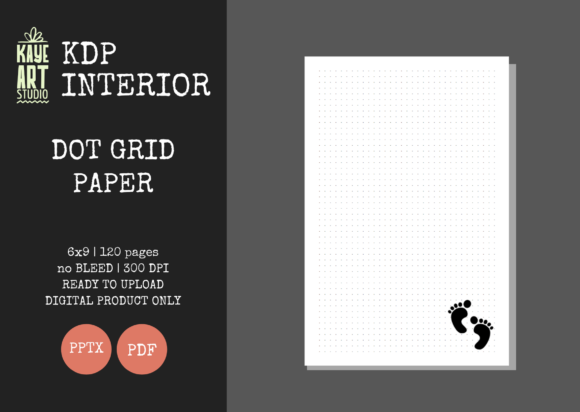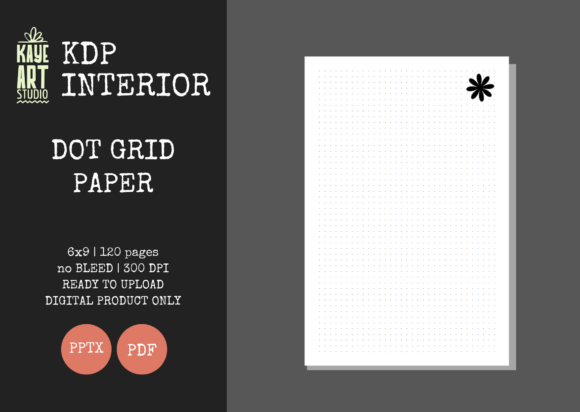
KDP Dot Grid Paper 15: Streamlined Journal Interiors
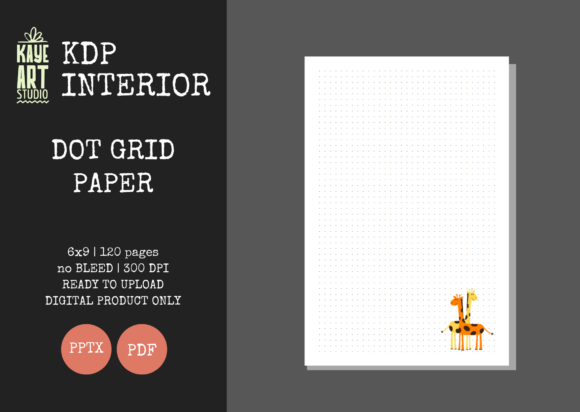
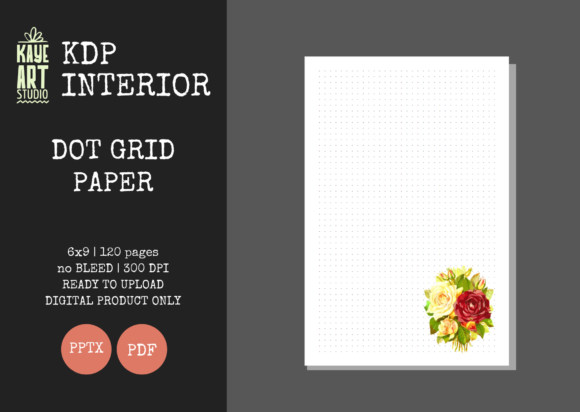
Building a sustainable no-content or low-content publishing business on Amazon requires more than just uploading generic templates; it demands efficiency, consistency, and technical precision. KDP Dot Grid Paper 15 serves as a foundational asset for creators looking to bypass the tedious design phase without sacrificing quality. This specific interior template is engineered to solve the most common friction points in self-publishing: formatting errors, bleed issues, and resolution mismatches. By utilizing a pre-validated 6x9 inch layout with 120 pages of high-resolution dot grid paper, publishers can focus their energy on niche research and cover design rather than troubleshooting margin warnings.
Technical Specifications That Prevent Rejection
The primary value of this interior lies in its adherence to strict KDP printing standards. Many new publishers face rejection due to improper bleed settings or low-resolution graphics that appear pixelated in print. KDP Dot Grid Paper 15 is configured specifically with NO BLEED settings, which is the standard requirement for journals where content does not extend to the physical edge of the page. This distinction is critical because selecting the wrong bleed option during upload can result in shifted margins or rejected files.
Furthermore, the file quality is set at 300 DPI, ensuring crisp, professional printing. Low-resolution interiors often lead to negative customer reviews, which can permanently damage a book’s ranking. The dots are rendered sharply, providing a clean writing experience that meets reader expectations. The package includes both PDF and PPTX formats, offering flexibility for those who wish to use the file as-is or make minor adjustments. The inclusion of an editable PowerPoint file is particularly valuable for publishers who want to add branding elements, quotes, or custom introductory pages without needing advanced graphic design software like Adobe InDesign.
Optimized Trim Size and Page Count
The 6x9 inch trim size remains the industry gold standard for trade paperbacks and journals. It strikes an ideal balance between portability and usable writing space, making it versatile enough for desk work, travel, or classroom use. With 120 pages, this template provides substantial value to the end-user while keeping printing costs low enough to maintain healthy royalty margins. This page count is psychologically satisfying for buyers; it feels like a complete product rather than a pamphlet, yet it isn't so thick that it becomes unwieldy or expensive to ship.
Versatile Applications Across Niches
Dot grid paper occupies a unique middle ground between lined notebook paper and blank sketchbooks. This versatility makes KDP Dot Grid Paper 15 suitable for a wide array of niches beyond simple journaling. Understanding these applications helps in targeting the right keywords and designing covers that resonate with specific audiences.
- Bullet Journaling: The dot grid is the preferred medium for the BuJo community, allowing for custom layouts, habit trackers, and rapid logging without the restriction of pre-printed lines.
- STEM Education: Students and professionals in science, technology, engineering, and math prefer dot grids for drawing graphs, geometric shapes, and technical diagrams where alignment matters.
- Hand Lettering and Calligraphy: Artists use the dots as subtle guides for baseline consistency and spacing, making this interior perfect for practice books or creative art journals.
- Project Management: Agile practitioners and scrum masters often use dot grid notebooks for sprint planning, user story mapping, and visual brainstorming sessions.
- Mind Mapping and Brainstorming: The unstructured nature of the grid supports non-linear thinking, making it ideal for entrepreneurs and marketers developing new strategies.
Strategic Advantages for Publishers
For the KDP seller, time is the most limited resource. Creating a flawless 120-page interior from scratch involves setting up master pages, checking safe zones, exporting high-res PDFs, and testing uploads. KDP Dot Grid Paper 15 eliminates this production bottleneck. Because the files have been tested on KDP, you can upload with confidence, significantly reducing the turnaround time from concept to live listing.
This efficiency allows for greater experimentation. Instead of spending hours designing one interior, you can create multiple cover variations for different sub-niches using the same validated interior file. For example, the same dot grid foundation can serve as a "Nurse's Shift Journal," a "Architecture Sketchbook," or a "Daily Gratitude Diary" simply by changing the cover art and title metadata. This scalability is essential for building a diverse portfolio that captures traffic across multiple search terms.
Customization and Brand Building
While the interior is ready for immediate upload, the editable PowerPoint file opens doors for differentiation. In a saturated market, adding unique touches can improve perceived value and reduce returns. You might consider adding a "This Book Belongs To" page, a numbered index section, or niche-specific prompts on the first few pages. These small additions transform a generic commodity into a tailored product.
However, it is vital to remember that this listing covers the interior only. Success still depends heavily on your ability to create compelling covers. The cover is what generates the click; the interior description and preview generate the sale. Ensure your cover design clearly communicates that the inside contains dot grid paper, perhaps through a mockup showing the open pages. Misleading customers about the interior format is a common pitfall that leads to poor reviews.
Practical Considerations for Implementation
Before uploading, always download the latest KDP guidelines to ensure no specifications have changed since the template was created. While KDP Dot Grid Paper 15 is designed to be compliant, platform requirements can evolve. Additionally, when ordering a proof copy, pay close attention to the margin safety zone. Even with a no-bleed template, ensure that any customizations you add in PowerPoint stay within the safe area to prevent text or dots from being trimmed off during binding.
Pricing strategy should also reflect the utility of this specific interior. Since dot grid journals are often viewed as functional tools rather than decorative items, competitive pricing based on printing costs and perceived utility is usually more effective than premium pricing. Analyze the top-selling dot grid journals in your target niche to find the sweet spot. Remember that the 120-page count allows for a lower price point than thicker journals, which can be advantageous for capturing impulse buys or bulk orders for classrooms and offices.
Enhancing User Experience Through Quality
Ultimately, the success of a no-content book relies on the end-user's experience. A journal that looks professional and functions well encourages repeat purchases and brand loyalty. The 300 DPI resolution of KDP Dot Grid Paper 15 ensures that the dots are visible but not distracting, providing guidance without cluttering the page. This subtle balance is difficult to achieve manually but is baked into this template.
By leveraging professionally prepared assets, you signal to customers that you care about product quality. In an ecosystem flooded with low-effort uploads, a clean, well-formatted interior stands out. Whether you are a seasoned publisher scaling your operations or a newcomer launching your first title, utilizing verified templates like this one establishes a baseline of professionalism that benefits both your business reputation and your customers' satisfaction.