Streamlining Low Content Publishing with KDP Dot Grid Paper 87 Interiors
The landscape of self-publishing has shifted dramatically toward efficiency and scalability, particularly within the low and no-content book niche. For creators managing extensive catalogs on Amazon KDP, the bottleneck is rarely the creative concept but rather the technical execution of interior files. KDP Dot Grid Paper 87 addresses this specific friction point by providing a pre-formatted, technically compliant foundation for journal creation. This resource is not merely a collection of pages; it is a strategic asset designed to align with current platform requirements while offering the flexibility needed for brand differentiation.
Technical Compliance and Platform Optimization
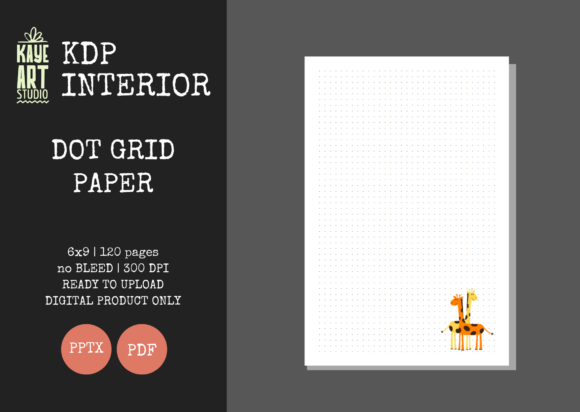
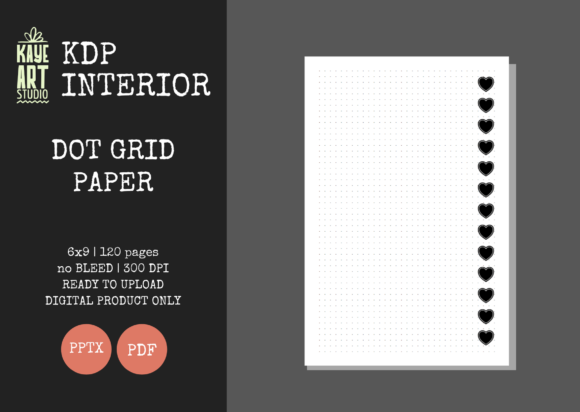
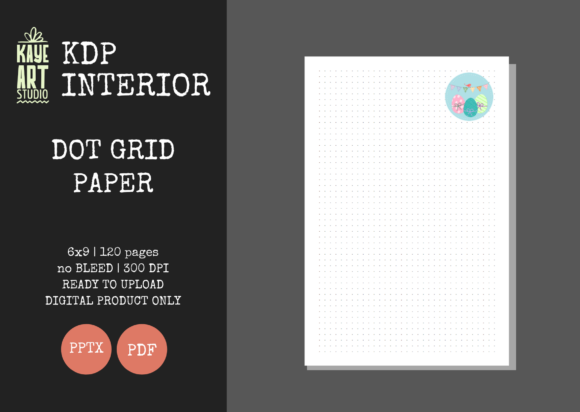
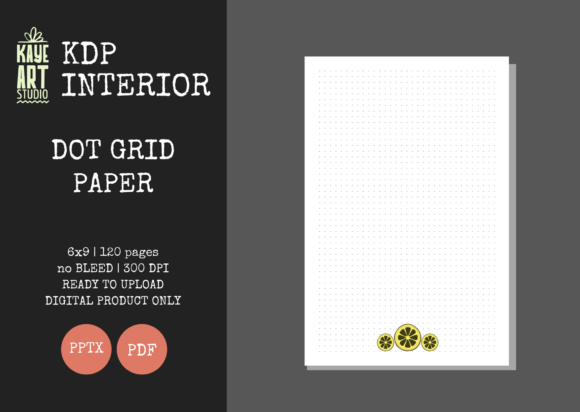
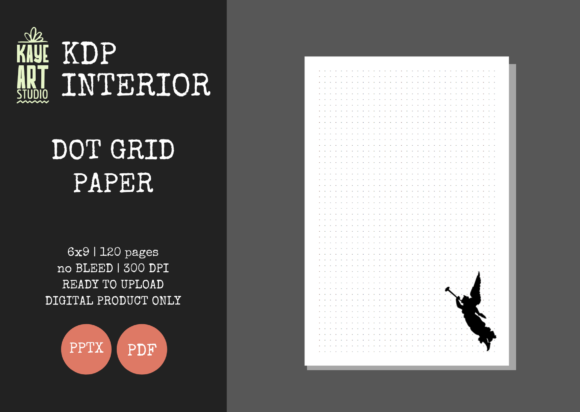
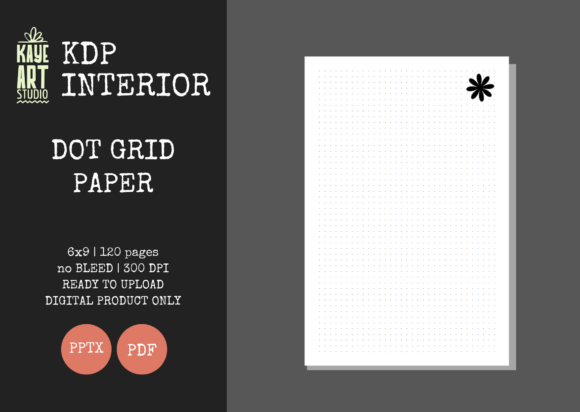
Success in digital publishing relies heavily on adhering to strict printer specifications. A common failure point for new publishers involves incorrect bleed settings or margin errors that result in rejected uploads or poor print quality. This specific dot grid template eliminates guesswork through precise engineering tailored for the 6x9 inch trim size, which remains the industry standard for trade journals and notebooks.
The file is configured with NO BLEED settings, a critical distinction for dot grid interiors. Unlike full-color illustrated books where images extend to the paper's edge, functional journals typically require a safety margin to ensure the grid pattern does not get trimmed inconsistently. By utilizing a no-bleed configuration, publishers ensure that the dots remain uniformly spaced from the edge across all 120 pages. This consistency is vital for user experience, as uneven margins can make a notebook feel unprofessional or difficult to use near the binding.
Furthermore, the resolution is set at 300 DPI, ensuring crisp printing even on standard color or black-and-white paper stocks. Low-resolution interiors often appear pixelated or grayish when printed, leading to negative reviews. Providing a high-definition source file guarantees that the final physical product matches the digital preview, maintaining the publisher's reputation for quality.
File Format Versatility: PDF and PPTX
One of the most significant advantages of this interior package is the inclusion of both PDF and PPTX formats. While the PDF serves as the final, ready-for-upload deliverable that has been tested for KDP compatibility, the editable PowerPoint file unlocks long-term value. Static PDFs limit a publisher to a single product, whereas an editable source file allows for infinite variation.
- Brand Consistency: Publishers can add custom headers, footers, or logos to every page directly within PowerPoint before exporting a new PDF.
- Niche Adaptation: The base dot grid can be modified to include specific prompts, trackers, or instructional text relevant to distinct audiences like students or fitness enthusiasts.
- Series Creation: Using the same master file ensures that volume 1 and volume 2 of a journal series share identical formatting and spacing.
This dual-format approach transforms a simple interior into a scalable production system. Instead of designing a new grid from scratch for every listing, creators can leverage this tested foundation and focus their energy on cover design and keyword research.
Functional Applications Across Diverse Audiences
Dot grid paper occupies a unique middle ground between the rigidity of lined paper and the chaos of blank sheets. This versatility makes KDP Dot Grid Paper 87 suitable for a remarkably broad demographic. Understanding these use cases helps publishers target their marketing efforts and customize their editable interiors more effectively.
For Professionals and Project Managers
In corporate and entrepreneurial environments, structured note-taking is essential. Dot grids facilitate the creation of diagrams, flowcharts, and Kanban boards without the visual clutter of heavy lines. Professionals often prefer this format for meeting notes because it allows for rapid switching between writing text and sketching concepts. A journal utilizing this interior can be positioned as a productivity tool rather than just a notebook, appealing to business owners and consultants who value organization.
Educators and Researchers
Academic users frequently require paper that supports both qualitative and quantitative data recording. Researchers appreciate dot grids for plotting graphs manually, drawing scientific apparatuses, or organizing literature review notes. Educators find them useful for lesson planning where visual aids are necessary alongside written curriculum. Because the dots are subtle, they provide guidance without interfering with complex annotations or highlighting, making this interior ideal for academic publishing niches.
Creatives and Hobbyists
The bullet journaling community was built on dot grid paper. However, beyond traditional journaling, this format serves artists, architects, and designers who need proportional guidance for sketching. Unlike graph paper, which can be too restrictive, dot grids offer reference points for perspective and scale while leaving ample white space for artistic expression. Publishers targeting the arts and crafts category can utilize this interior as a base for sketchbooks, design portfolios, or mixed-media journals.
Strategic Integration into a No-Content Business Model
While the interior provides the functional backbone of the book, sustainable success requires a holistic business strategy. It is important to note that this listing covers the INTERIOR ONLY. Publishers must create their own covers, which presents both a requirement and an opportunity. The cover is the primary conversion driver on Amazon, and separating it from the interior allows for complete creative freedom.
The Importance of Cover-Interior Cohesion
Even though the cover is sold separately, it must accurately reflect the interior's utility. If a cover promises a specialized engineering logbook but the interior is a generic dot grid without customization, customer satisfaction will plummet. Utilizing the editable PPTX file allows publishers to bridge this gap. For example, if the cover targets knitters, the publisher can open the PowerPoint file and add small yarn icons or knitting abbreviation charts to the corner of each page. This alignment between exterior promise and interior delivery builds trust and encourages repeat purchases.
Efficiency in Catalog Expansion
Time management is the currency of low-content publishing. Sourcing reliable, pre-tested interiors like KDP Dot Grid Paper 87 reduces production time per title from hours to minutes. This efficiency enables publishers to test multiple niches rapidly. Rather than spending days formatting a single book, a publisher can produce ten variations using the same high-quality interior, each with a unique cover and targeted keyword set. This volume-based approach increases the statistical probability of finding winning products.
Quality Assurance and User Experience Considerations
Technical specifications matter, but the end-user's tactile experience determines long-term viability. Several factors distinguish professional-grade interiors from amateur attempts, and this template addresses them systematically.
Paper Opacity and Dot Intensity: One of the most frequent complaints regarding KDP journals is show-through. While paper opacity is controlled by Amazon, the intensity of the dot ink plays a massive role. Dots that are too dark bleed through visually; dots that are too light disappear under certain lighting conditions. This interior utilizes optimized grayscale values that balance visibility with subtlety, minimizing the perception of bleed-through on standard 55# or 60# paper stock.
Margin Adequacy: With 120 pages, the gutter margin becomes increasingly important. As the book thickens, the inner margin must widen to prevent content from disappearing into the spine. This template accounts for page count thickness, ensuring that the usable writing area remains consistent from page 1 to page 120. Publishers modifying the file should be cautious not to reduce these margins during customization, as doing so can ruin the functionality of the physical book.
File Integrity Testing: The notation that files have been "tested on KDP" is a crucial assurance. Upload errors can stem from corrupted metadata, incorrect color profiles, or font embedding issues. By starting with a verified clean file, publishers avoid the frustration of troubleshooting technical rejections. When customizing the PPTX, it is best practice to export as a high-quality PDF and run it through KDP’s previewer tool again to ensure that modifications have not introduced new errors.
Maximizing Value Through Customization
To truly leverage this asset, publishers should view the dot grid as a canvas rather than a finished product. The editable nature of the PPTX file invites innovation that separates generic listings from branded products. Consider adding value-add elements that justify a higher price point or improve review ratings:
- Front Matter Enhancement: Use the first few pages for index tables, personal information fields, or habit trackers. These can be easily inserted into the PowerPoint master slide layout.
- Thematic Watermarks: Subtle background elements related to the niche (e.g., musical notes for composers, botanical sketches for gardeners) can be added at low opacity to enhance aesthetic appeal without compromising writability.
- Instructional Guides: For educational journals, including a reference key or methodology guide on the inside cover or first page adds tangible utility.
Ultimately, KDP Dot Grid Paper 87 represents a convergence of technical precision and creative potential. It solves the immediate problem of compliant interior generation while providing the tools necessary for long-term brand building. For professionals, educators, and entrepreneurs navigating the competitive waters of self-publishing, such resources are not shortcuts but foundational elements of a sustainable, quality-focused business model. By understanding the technical parameters, respecting the user experience, and strategically customizing the editable assets, publishers can transform a simple dot grid into a diverse portfolio of valuable physical products.