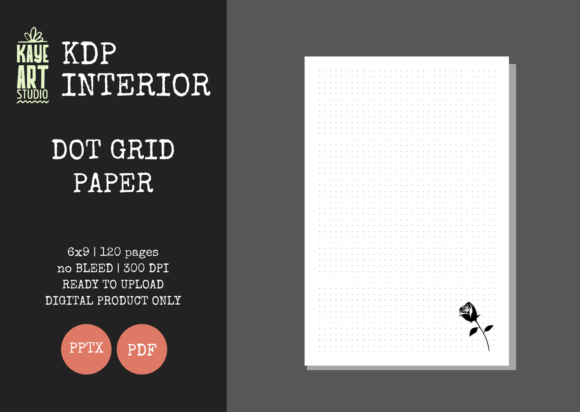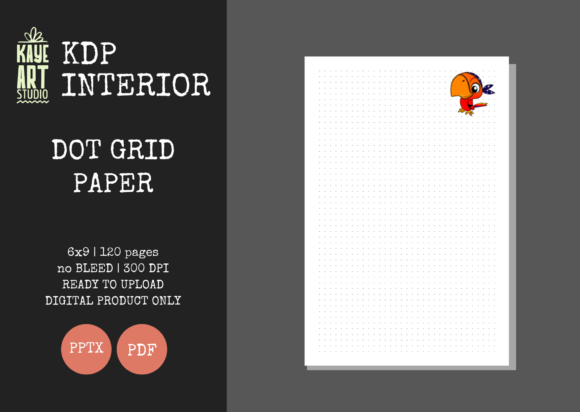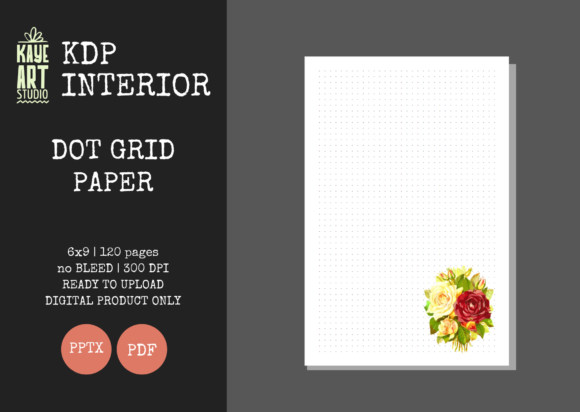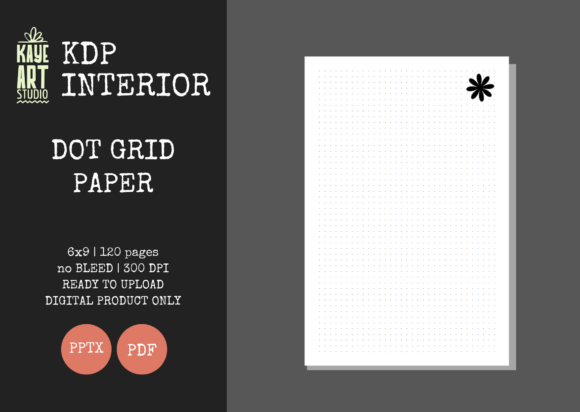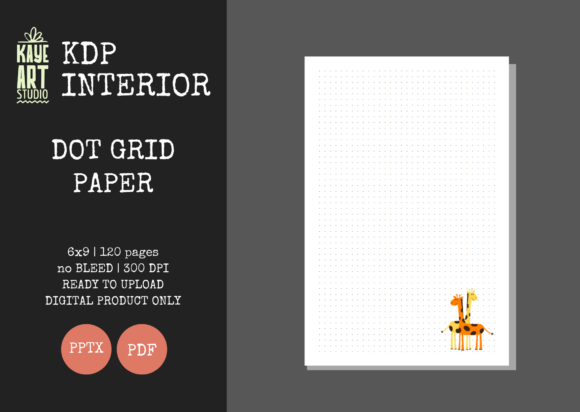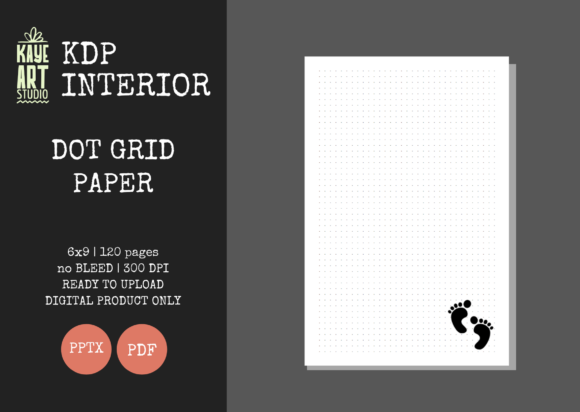
KDP Dot Grid Paper 31: Streamlined Journal Interiors
Launching a successful low-content publishing business on Amazon requires balancing speed with quality. While the market for journals and notebooks remains vibrant, saturation means that publishers can no longer rely on generic templates alone. KDP Dot Grid Paper 31 offers a strategic solution for creators looking to maintain high production standards without sacrificing efficiency. This specific interior template is designed to address common technical hurdles while providing the flexibility needed to create unique products. By utilizing a pre-formatted, tested file structure, publishers can shift their focus from troubleshooting formatting errors to developing compelling covers and marketing strategies.
The value of this resource lies in its technical precision and adaptability. Unlike standard PDF-only templates, KDP Dot Grid Paper 31 includes an editable PowerPoint (PPTX) file alongside the print-ready PDF. This dual-format approach allows for granular customization that static files cannot offer. Whether you are adjusting margins for a specific niche or adding subtle branding elements to the interior pages, the editable source file ensures your final product stands out. For professionals, educators, and entrepreneurs managing multiple titles, this level of control transforms a basic dot grid journal into a tailored tool for specific audiences.
Technical Specifications That Prevent Publishing Errors
One of the most significant friction points in self-publishing is navigating Amazon’s strict printing guidelines. KDP Dot Grid Paper 31 is engineered with these constraints as the primary design parameter. The template features a standard 6x9 inch trim size, which remains the industry gold standard for trade paperbacks and journals due to its portability and shelf presence. Crucially, this file is configured with NO BLEED settings. Understanding bleed is essential for new publishers; selecting a no-bleed interior means all content must stay within safe margins. This template has those margins pre-calculated, significantly reducing the risk of rejection during the upload review process.
The file contains 120 pages at 300 DPI resolution. This page count is strategically chosen to balance perceived value with printing costs. A 120-page journal feels substantial enough to justify a competitive price point while keeping royalty margins healthy. The 300 DPI specification ensures that the dot grid prints crisply on both white and cream paper stock. Low-resolution grids often appear pixelated or gray rather than sharp and distinct, which leads to negative customer reviews. By starting with a verified high-resolution master file, publishers protect their brand reputation and ensure a professional unboxing experience for the end user.
Leveraging Editable Files for Niche Differentiation
In a marketplace filled with identical dot grid interiors, differentiation is key to visibility. The inclusion of an editable PPTX file with KDP Dot Grid Paper 31 empowers publishers to move beyond generic layouts. PowerPoint serves as an accessible design platform for many KDP creators who may not have advanced skills in Adobe InDesign or Affinity Publisher. With the source file, you can modify the opacity of the dots, change the grid spacing, or add header and footer text that aligns with a specific theme.
Consider a practical use case for a productivity-focused journal. A standard dot grid is useful, but a dot grid with added sections for daily priorities or habit tracking becomes a specialized tool. Using the editable PPTX, a publisher can insert these functional elements directly onto the master slide, applying changes across all 120 pages instantly. This capability allows for rapid prototyping of new ideas. Instead of building a layout from scratch for every new title, you can iterate on a proven foundation. This efficiency is particularly valuable for marketers and bloggers creating companion workbooks for courses or content series, where the interior needs to reflect specific branding or instructional cues.
Optimizing Workflow for Volume and Consistency
For freelancers and small business owners treating KDP as a serious revenue stream, workflow optimization directly impacts profitability. KDP Dot Grid Paper 31 functions as a reliable baseline asset. Because the files have been tested on KDP, the time typically spent measuring margins, checking gutter safety zones, and re-uploading corrected proofs is eliminated. This reliability allows publishers to allocate more resources toward cover design and keyword research, which are the actual drivers of sales conversion.
Consistency also plays a vital role in building a recognizable brand. If you publish a series of notebooks for different professions—such as nurses, teachers, or real estate agents—using the same high-quality interior base creates a cohesive customer experience. Buyers who appreciate the paper quality and grid spacing of your first book are more likely to purchase subsequent titles if they know the interior format remains consistent. KDP Dot Grid Paper 31 provides that stable foundation, ensuring that variations in your catalog differ only in cover art and niche-specific additions, not in fundamental build quality.
Understanding Limitations and Best Practices
While KDP Dot Grid Paper 31 is a robust tool, it is important to understand its scope to avoid misalignment with project goals. This listing is strictly for the INTERIOR only. Publishers must create their own covers separately, ensuring the cover dimensions match the 6x9 inch, 120-page, no-bleed specifications of the interior. Failing to match cover spine width to the exact page count is a common error that this template prevents internally but cannot prevent externally. Always verify your cover template against the finalized interior page count before uploading.
Additionally, the "no bleed" setting imposes specific design boundaries. If your vision involves patterns or graphics extending to the very edge of the paper, this specific template configuration is not suitable. No-bleed interiors require a white border around all content. Publishers aiming for full-bleed artistic journals should seek templates explicitly marked as such. However, for functional writing journals, planners, and sketchbooks where clean margins are preferred, the no-bleed format of KDP Dot Grid Paper 31 is often superior because it accommodates slight printing shifts without risking content being trimmed off.
Who Benefits Most From This Template
This resource is ideally suited for intermediate publishers who understand the basics of KDP but want to reduce technical overhead. Beginners will appreciate the safety of pre-tested files, while experienced publishers will value the time savings and editable source material. Educators creating classroom materials, therapists designing mindfulness journals, and corporate trainers developing workshop workbooks will find the 6x9 size and editable nature particularly advantageous. The format supports both personal reflection and structured professional use, making it a versatile asset in a diverse publishing portfolio.
Ultimately, success in low-content publishing comes from solving problems for specific readers. KDP Dot Grid Paper 31 solves the publisher's problem of production complexity, freeing up mental energy to solve the reader's problem through better curation, targeting, and presentation. By integrating this technically sound, customizable interior into your workflow, you establish a professional baseline that supports sustainable growth and higher quality outputs across your entire catalog.