KDP Dot Grid Paper 18: Streamlining Interior Workflows for Low-Content Publishing
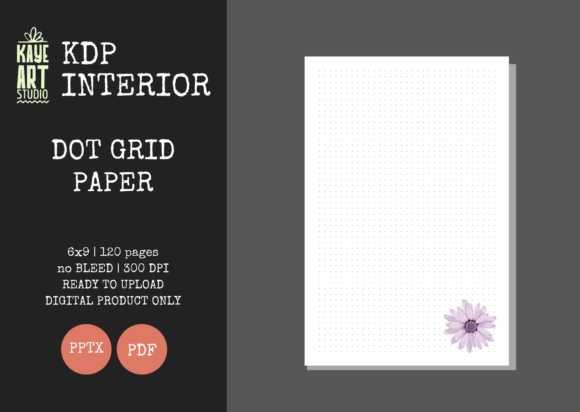
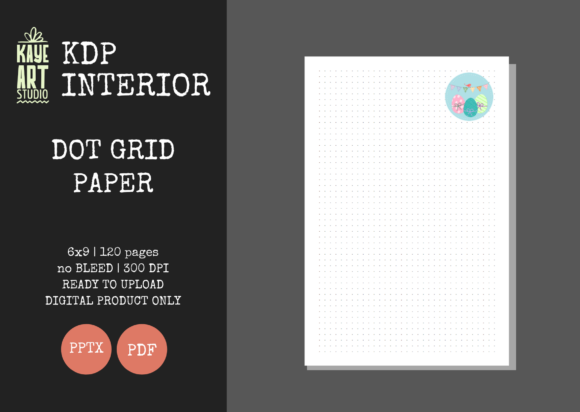
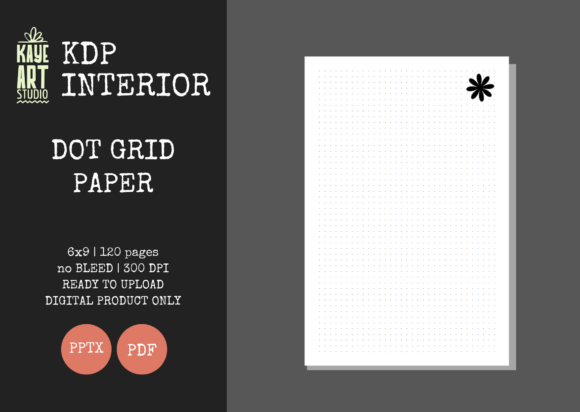
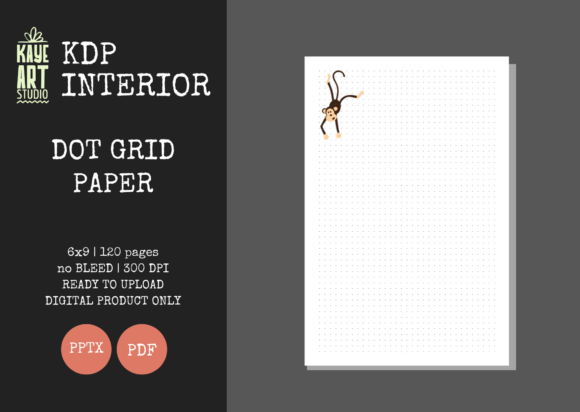
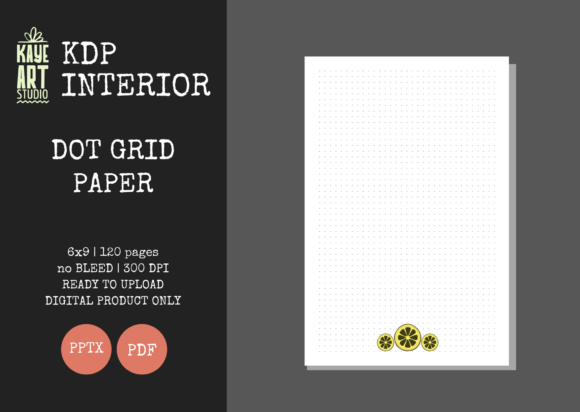
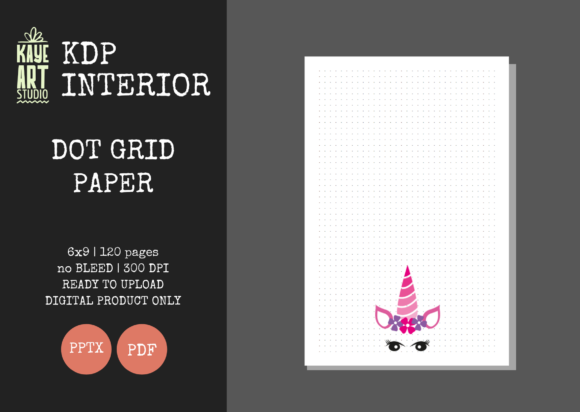
Building a sustainable Amazon KDP business requires more than just creative ideas; it demands efficient production workflows and reliable assets. For publishers focusing on no and low-content books, the interior file is the foundation of product quality and customer satisfaction. KDP Dot Grid Paper 18 serves as a specialized asset designed to bridge the gap between concept and published product. This 6x9 inch, 120-page template eliminates the technical guesswork often associated with formatting dot grid journals, allowing creators to focus on niche research, cover design, and marketing strategy rather than margin calculations.
In the broader context of self-publishing, this specific interior template functions as a standardized component within a larger assembly line. Whether you are launching your first journal or scaling an existing catalog to hundreds of titles, having a pre-verified PPTX and PDF file reduces friction. It transforms the interior creation phase from a variable task prone to errors into a fixed, predictable step. This consistency is vital for maintaining brand quality across multiple listings and ensuring that every book meeting KDP’s strict printing specifications without requiring repeated troubleshooting.
Technical Specifications and Workflow Integration
Understanding the precise technical parameters of KDP Dot Grid Paper 18 is essential for seamless integration into your publishing process. This template is configured specifically for a 6x9 inch trim size with no bleed settings. The "no bleed" specification is particularly significant for dot grid journals intended for note-taking, planning, or sketching, as it ensures all content remains safely within the printable area, preventing dots from being trimmed off during manufacturing. The file includes 120 pages at 300 DPI, which is the industry standard for crisp, professional print quality. Low-resolution files often result in blurry or pixelated dots, leading to negative reviews; starting with a verified 300 DPI source file mitigates this risk entirely.
The inclusion of both PDF and editable PowerPoint (PPTX) formats addresses different stages of the production workflow. The PDF serves as the final, upload-ready artifact. It has been tested on KDP’s previewer, meaning the margins, gutter, and safe zones have already been validated. For publishers who manage high-volume uploads, this ready-to-use PDF allows for rapid deployment. Conversely, the PPTX file offers flexibility for those who need to customize the interior before publication. Perhaps you want to add a proprietary logo to the first page, include a specific index structure, or modify the dot spacing for a specialized niche like bullet journaling for architects. The editable source file makes these adjustments possible without rebuilding the document from scratch.
Pre-Launch Preparation and Niche Validation
Before utilizing KDP Dot Grid Paper 18, effective publishers engage in niche validation. This asset is versatile, but its 6x9 form factor is best suited for portable, everyday-carry notebooks rather than large-format art books. During the research phase, verify that your target audience prefers this trim size. Professionals, students, and commuters typically favor 6x9 journals for their balance of writing space and portability. Once the niche is confirmed, this template acts as a baseline for prototyping. You can quickly generate a proof copy to test paper opacity and dot visibility before committing to a full marketing campaign.
Preparation also involves organizing your digital asset library. Because this listing provides the interior only, you must have a cover creation workflow established separately. Successful KDP operators often maintain a folder structure where interiors and covers are paired by SKU or project name. Having KDP Dot Grid Paper 18 stored as a master template allows you to duplicate and rename files for new projects instantly. This organizational discipline prevents version control issues and ensures you never accidentally upload an outdated or unedited file.
Customization Strategies for Differentiated Products
While the base template is ready for upload, leveraging the editable PPTX file is where long-term value lies. In a saturated market, differentiation is key. Use the PowerPoint file to insert value-added content that elevates the book beyond a generic notebook. For example, if targeting educators, you might add lesson planning headers to the first ten pages. For fitness enthusiasts, consider adding tracking tables before the main dot grid section. These modifications take minutes when working with a pre-formatted master slide but add significant perceived value for the end user.
When customizing, always respect the original margin and safe zone guidelines embedded in KDP Dot Grid Paper 18. Moving elements too close to the gutter or outer edge can trigger KDP’s automated rejection system or result in poor readability. The template’s no-bleed configuration provides a built-in safety buffer. If you add custom graphics or text, ensure they align with the existing dot grid pattern to maintain visual harmony. Consistency in alignment signals professionalism and attention to detail, traits that customers associate with high-quality stationery.
Cover Design Compatibility and Brand Cohesion
Since this resource covers interiors exclusively, your cover design process must run parallel to interior preparation. The 6x9 no-bleed interior dictates specific cover dimensions. When designing your cover in Canva, Photoshop, or Illustrator, ensure your spine width calculation matches exactly 120 pages of white paper. Using a spine calculator with incorrect page counts will cause misalignment during printing. KDP Dot Grid Paper 18 removes one variable from this equation; because the page count is fixed, you can create cover templates that pair perfectly with this interior every time.
Brand cohesion extends beyond dimensions. The aesthetic of your cover should reflect the utility of the dot grid interior. Minimalist, clean cover designs often perform best with this type of functional paper, signaling to buyers that the contents are organized and distraction-free. If you are building a series, use the same interior template across multiple titles while varying cover colors and typography. This creates a recognizable product line where customers know exactly what to expect regarding paper quality and layout, fostering repeat purchases and brand loyalty.
Quality Control and Upload Efficiency
Even with pre-tested files, implementing a personal quality control checklist is a best practice. Before uploading KDP Dot Grid Paper 18 to your account, open the PDF and zoom to 100% to inspect dot clarity. Verify that the first and last pages appear correctly and that no stray artifacts exist outside the safe zone. If you utilized the PPTX file for edits, export a fresh PDF and run it through the KDP Previewer again. Do not assume that minor edits preserve the original file’s compliance status. This extra five minutes of verification prevents costly reprints and protects your publisher reputation.
Efficiency in uploading comes from metadata alignment. When listing a book using this interior, ensure your description accurately reflects the 6x9 size, 120-page count, and dot grid format. Misleading metadata leads to returns. Clearly state that the book features a no-bleed layout, as some advanced users specifically seek this for framing or binding purposes. Accurate listings reduce customer service inquiries and improve conversion rates by setting correct expectations. The reliability of KDP Dot Grid Paper 18 allows you to write descriptions with confidence, knowing the physical product will match the digital promise.
Long-Term Asset Management and Scaling
Integrating this template into your business is not a one-time event but part of a scalable system. As your catalog grows, track which niches perform best with this specific 6x9 dot grid format. Analyze sales data to determine if certain modifications to the PPTX master yield better results. Over time, you may develop specialized versions of KDP Dot Grid Paper 18 tailored to specific verticals, such as medical logging, financial tracking, or creative writing. Maintaining a versioned library of these derivatives accelerates future launches.
Furthermore, consider how this asset interacts with other productivity tools your audience uses. Many dot grid journal users integrate their physical notebooks with digital apps like Notion, Evernote, or GoodNotes. Mentioning compatibility or suggesting workflows in your book’s introduction or bonus content can enhance utility. While the interior itself is analog, positioning it within a modern hybrid workflow appeals to tech-savvy professionals and students. KDP Dot Grid Paper 18 provides the stable analog foundation upon which these hybrid systems are built.
Ultimately, success in low-content publishing relies on removing technical barriers to focus on market fit and customer value. By utilizing a verified, high-quality interior template, you reclaim time and mental energy for strategic growth. Whether used as-is for rapid testing or customized for niche dominance, this dot grid paper represents a practical investment in operational excellence. It standardizes the most error-prone aspect of book creation, ensuring that every title you publish meets professional standards and serves your audience effectively.