KDP Dot Grid Paper 21: Streamlining Interior Production for Low-Content Publishers
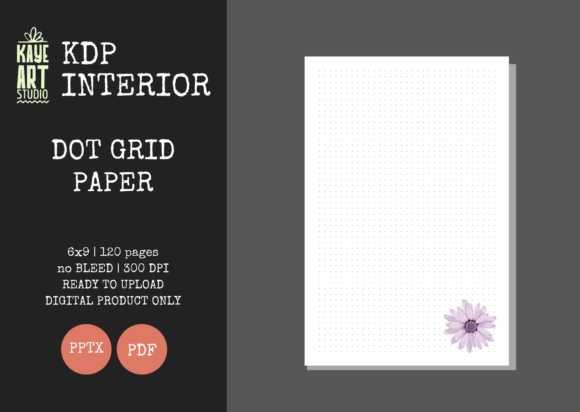
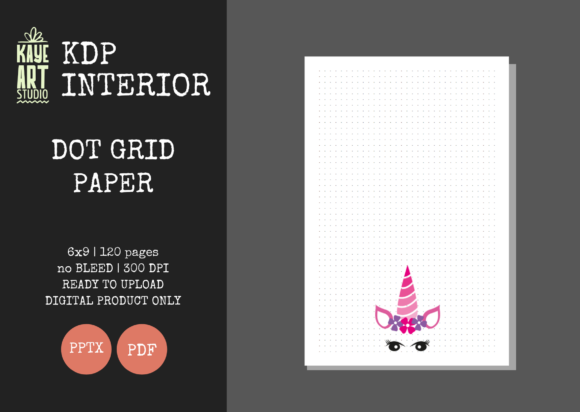
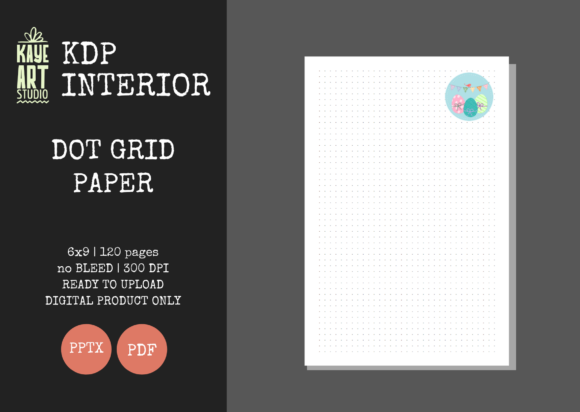
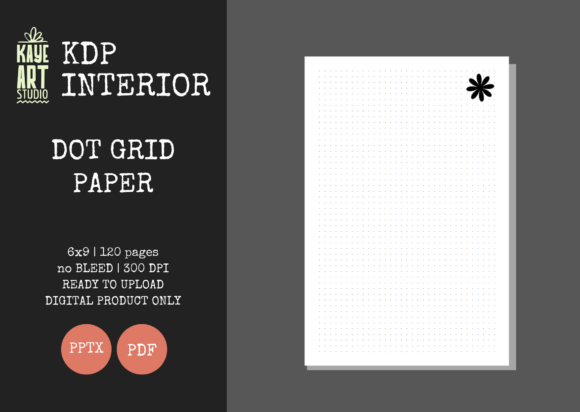
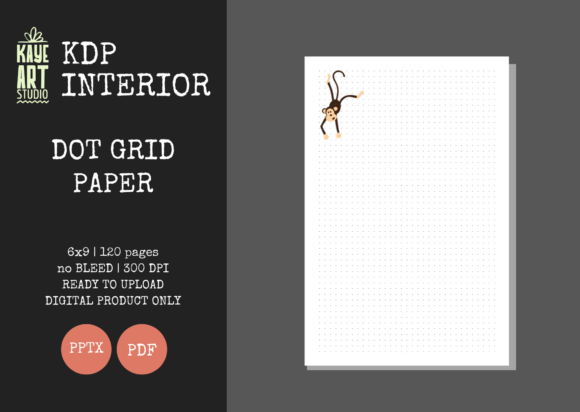
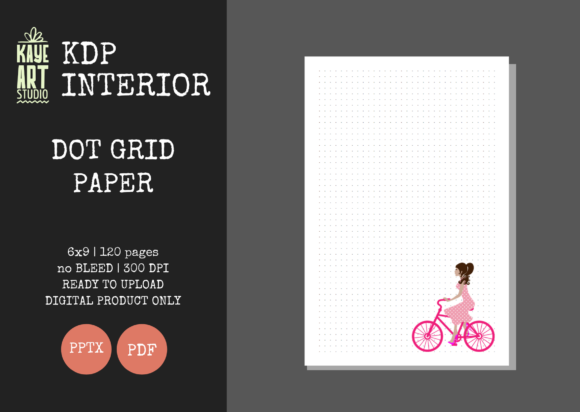
Building a sustainable portfolio on Amazon KDP requires balancing creative variety with operational efficiency. For publishers focused on low and no-content books, the interior file is often the bottleneck that slows down scaling. KDP Dot Grid Paper 21 serves as a foundational asset designed to eliminate technical friction during the publishing process. This resource provides a pre-formatted, 6x9 inch dot grid journal interior that adheres strictly to platform specifications, allowing creators to bypass repetitive layout tasks and focus on niche research and cover design.
In the broader context of a KDP business workflow, this specific interior template functions as a standardized base layer. Rather than recreating margins, bleed settings, and page counts for every new journal variation, publishers can deploy this verified file as a reliable constant. The 120-page count at 300 DPI ensures professional print quality while maintaining a spine width consistent with standard industry expectations. By integrating this ready-made asset into your production pipeline, you shift energy from technical formatting to strategic market positioning.
Technical Specifications and Platform Compliance
Understanding the precise technical parameters of KDP Dot Grid Paper 21 is essential for seamless integration into your publishing workflow. This asset is engineered specifically for the 6x9 inch trim size, which remains one of the most popular formats for journals due to its portability and perceived value. Crucially, this file is configured with NO BLEED settings. This distinction matters significantly during the upload process; selecting "No Bleed" in the KDP dashboard when using this file prevents common margin errors and rejection notices that frequently plague new publishers.
The file delivers 120 pages of high-resolution dot grid patterns at 300 DPI. While some publishers opt for lower resolutions to reduce file size, 300 DPI is the industry standard for crisp, clean printing on Amazon’s cream or white paper stock. Blurry or pixelated grids lead to negative reviews and returns, making this resolution non-negotiable for long-term brand reputation. The package includes both PDF and PPTX formats, providing flexibility depending on whether you need a final upload-ready file or an editable source document for customization.
The Role of Editable Source Files in Customization
The inclusion of an editable PowerPoint (PPTX) file transforms this product from a static template into a dynamic creation tool. In a practical workflow, the PDF serves as the immediate solution for rapid publishing, while the PPTX acts as a master template for derivative products. Publishers can open the source file to adjust dot opacity, add subtle branding elements to footer areas, or modify the first few pages to include title pages, index tables, or habit trackers without rebuilding the grid structure from scratch.
This dual-format approach supports both speed and differentiation. When testing a new niche, you might upload the standard PDF version to validate demand quickly. Once a keyword or category shows traction, you can return to the PPTX file to create a premium version with unique interior features. This iterative process allows for A/B testing within your own catalog, using the same reliable base geometry while varying the user experience to capture different segments of the buyer audience.
Integrating Interiors into a Cover-First Workflow
It is vital to recognize that KDP Dot Grid Paper 21 is an interior-only asset. This separation of concerns aligns with professional publishing workflows where interior structure and exterior marketing are treated as distinct but connected disciplines. Because the interior dimensions are fixed at 6x9 inches with no bleed, your cover design process becomes more predictable. You can calculate exact spine widths and cover dimensions before beginning graphic design work, eliminating the costly mistake of designing a cover for a book size that doesn't match your interior.
For marketers and entrepreneurs managing multiple SKUs, this consistency enables batch processing. You can create a library of cover templates sized specifically for this 120-page, 6x9 interior. When a new trend emerges, you simply pair a new cover with this pre-validated interior file. This modularity reduces the cognitive load associated with each new release. Instead of worrying about whether the margins are correct or if the dots will print clearly, you can dedicate your mental resources to keyword research, ad copy, and visual hierarchy on the cover.
Quality Control and Pre-Publishing Verification
Even with tested files, implementing a personal quality assurance checkpoint is a best practice for serious publishers. Before uploading KDP Dot Grid Paper 21 to a live project, download the provided PDF and inspect it at 100% zoom on your monitor. Verify that the dot spacing feels appropriate for your target demographic; some niches prefer tighter grids for detailed sketching, while others favor wider spacing for handwriting. Although this file has been tested on KDP, screen verification helps ensure the aesthetic matches your specific brand standards.
During the KDP previewer stage, always select the "No Bleed" option to match the file's configuration. If you accidentally select "Bleed," the system will attempt to stretch the content to the edge, resulting in distorted margins and potential rejection. Keeping a checklist of these technical pairings—6x9 trim, No Bleed, 120 pages, White/Cream paper selection—streamlines the upload phase. Over time, this muscle memory reduces errors and accelerates the time-to-market for new titles.
Strategic Applications Across User Segments
Different users integrate this asset into their workflows based on their primary objectives. For freelancers and service providers creating client deliverables or branded merchandise, the editable PPTX allows for the insertion of logos or proprietary frameworks onto the grid pages. This turns a generic journal into a customized corporate tool without requiring advanced design software skills. The ability to edit the source file means you can maintain brand consistency across physical products offered to clients or employees.
Educators and coaches often use this interior as a base for structured workbooks. By utilizing the PowerPoint file, they can intersperse instructional content between grid sections, creating hybrid resources that guide users through specific exercises. The dot grid itself serves as a flexible canvas for mind mapping, diagramming, and note-taking, making it superior to lined paper for visual learners. Having a pre-formatted grid saves hours of manual alignment, allowing educators to focus on curriculum development rather than document layout.
For volume publishers and aggregators, the primary value proposition is risk mitigation and speed. Testing dozens of niches monthly requires assets that do not fail. Using a verified interior like KDP Dot Grid Paper 21 removes technical variables from the testing equation. If a book fails to sell, you know the issue lies in the niche selection or cover design, not in a flawed interior file. This clarity is essential for data-driven decision-making in a high-volume business model.
Long-Term Asset Management and Scalability
Treating KDP Dot Grid Paper 21 as a permanent asset in your digital library enhances long-term efficiency. Organize your files systematically, keeping the master PPTX separate from export-ready PDFs. Version control becomes important if you make customizations; save modified versions with clear naming conventions indicating the changes made (e.g., "DotGrid_6x9_v2_LighterDots.pptx"). This organization prevents confusion later and ensures you can always revert to the original tested baseline if needed.
As Amazon updates its printing specifications or introduces new paper types, having access to the editable source file future-proofs your investment. Static PDFs from other sources may become obsolete if margin requirements change, but an editable template allows you to adapt quickly. This resilience is key for publishers building a business intended to last years rather than months. The initial time saved by using a pre-made interior compounds over hundreds of uploads, freeing up significant capacity for higher-level strategy and growth activities.
Ultimately, the utility of this dot grid paper lies in its role as a dependable infrastructure component. It solves the technical problem of interior formatting so effectively that it becomes invisible, allowing the publisher’s attention to remain where it belongs: on understanding customers, creating compelling covers, and building a recognizable brand in the marketplace. By standardizing this element of production, you create space for creativity and strategic thinking to flourish within the constraints of a low-content business model.