KDP Dot Grid Paper 30: Streamline Journal Publishing
Launching a successful low-content book business on Amazon requires balancing creative vision with technical precision. For publishers focusing on functional stationery, the interior file is the foundation of product quality and customer satisfaction. KDP Dot Grid Paper 30 provides a specialized solution designed specifically for creators who need reliable, print-ready assets without the steep learning curve of graphic design software. This resource eliminates common formatting errors that lead to rejected uploads or poor printing results, allowing you to focus on niche research and cover design rather than pixel alignment.
The primary value of this asset lies in its adherence to strict Kindle Direct Publishing specifications. Many new publishers struggle with margin settings, bleed requirements, and resolution standards. By utilizing a pre-formatted template that has been tested directly on the KDP platform, you significantly reduce the risk of production delays. This specific dot grid journal interior is optimized for the popular 6×9 inch trim size with no bleed settings, ensuring that the content sits perfectly within the safe zone. This technical reliability transforms what is often a frustrating trial-and-error process into a streamlined workflow.
Technical Specifications That Prevent Publishing Errors
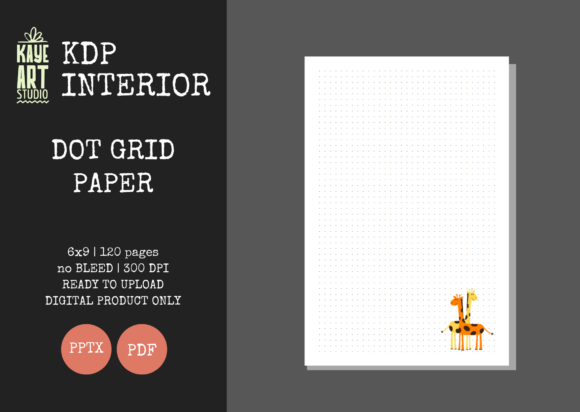
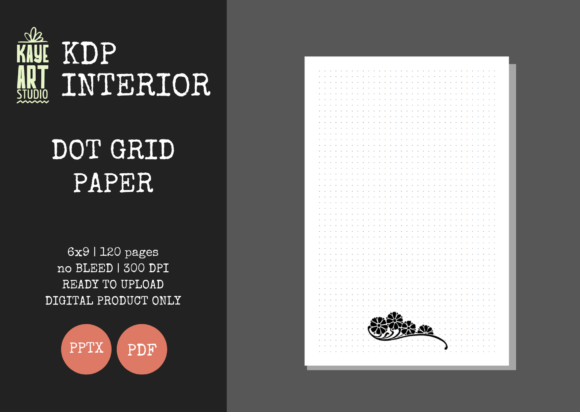
Understanding the technical parameters of KDP Dot Grid Paper 30 is essential for setting realistic expectations and achieving professional results. The file is configured for a 6×9 inch trim size, which remains the industry standard for personal journals, sketchbooks, and bullet journals due to its portability and shelf presence. Crucially, this template utilizes NO BLEED settings. This distinction matters because it dictates how close elements can be placed to the edge of the page. A no-bleed configuration ensures that all dots remain safely away from the trim line, preventing accidental cropping during the physical binding process.
The interior consists of 120 pages at 300 DPI resolution. This resolution is non-negotiable for print clarity; anything lower may result in fuzzy or pixelated dots that degrade the user experience. When customers receive a crisp, clean grid, they are more likely to leave positive reviews regarding paper quality and usability. Furthermore, the availability of both PDF and PPTX file types offers flexibility. While the PDF serves as the final upload-ready document, the PowerPoint file acts as an editable source. This allows you to adjust margins, add introductory pages, or modify the grid density if your specific niche requires customization, all without needing Adobe InDesign or Illustrator.
Accelerating Workflow Through Editable Assets
Time management is often the bottleneck for independent publishers managing multiple titles. Creating a dot grid from scratch involves calculating gutter margins based on page count, setting up master pages, and exporting high-resolution files. KDP Dot Grid Paper 30 compresses this timeline from hours to minutes. The inclusion of an editable PowerPoint file is particularly significant for entrepreneurs who may not have access to professional layout software. PowerPoint is a familiar environment for many professionals, making it accessible to modify the interior structure without learning complex design tools.
This efficiency supports a volume-based strategy often necessary in low-content publishing. Instead of spending an entire weekend formatting a single journal, you can prepare multiple interiors in one session. This speed allows for faster iteration and testing of different niches. For example, if you identify a trend for "engineering student notebooks" versus "creative writing journals," you can deploy variations quickly using the same validated base file. The ability to edit also means you can repurpose the asset for other projects, such as creating a lined version or adding custom headers, maximizing the return on your initial investment.
Practical Applications for Diverse Creator Niches
While dot grid paper is versatile, its application varies significantly across different target audiences. Understanding these nuances helps in positioning your book effectively. For bullet journalists and productivity enthusiasts, the consistent spacing of KDP Dot Grid Paper 30 facilitates neat handwriting and geometric drawing without the visual clutter of full graph paper. These users prioritize functionality and consistency; any deviation in dot alignment is immediately noticeable and detrimental to the utility of the book.
Educators and students represent another key demographic. The 6×9 size fits easily into backpacks and desk organizers, while the dot grid supports both note-taking and diagramming in STEM subjects. Unlike wide-ruled paper that restricts layout freedom, dot grids allow for mind mapping, flowcharts, and freeform sketches alongside linear notes. For marketers and business professionals, this format serves as an ideal meeting notebook where structured agendas blend with brainstorming sessions. Recognizing these specific use cases allows you to craft metadata and descriptions that resonate with actual user needs rather than generic keywords.
Navigating Limitations and Cover Design Requirements
It is important to approach this resource with a clear understanding of its scope. KDP Dot Grid Paper 30 is strictly an interior-only listing. You must create or commission your own cover separately. This separation of duties is actually beneficial, as it prevents the common mistake of using generic, templated covers that make books look indistinguishable from competitors. Your cover is your primary marketing tool, and treating it as a distinct project ensures it receives the attention it deserves. Ensure your cover dimensions account for the 120-page spine width calculated for white paper stock to avoid misalignment during printing.
Additionally, while the no-bleed setting is safer and easier for beginners, it does impose design constraints. If your vision includes patterns or colors extending to the very edge of the page, this specific template will not suffice. Publishers aiming for that aesthetic should seek bleed-enabled templates instead. Similarly, if your target audience prefers larger formats like 8.5×11 inches for extensive drafting or art projects, the 6×9 size may feel restrictive. Always validate that the trim size and bleed settings align with your specific niche's expectations before uploading. Testing the printable PDF proof provided by KDP is always recommended, even when using pre-tested files, to verify that your specific printer settings and cover combination yield the desired result.
Building a Sustainable Low-Content Business Model
Sustainable success in KDP publishing comes from delivering genuine value through quality and relevance. Using verified resources like KDP Dot Grid Paper 30 establishes a baseline of professionalism that protects your brand reputation. Customers who encounter formatting issues, blurry text, or inconsistent margins rarely return to the same publisher. By solving the technical challenges upfront, you create space to focus on market research, keyword optimization, and audience engagement.
This asset serves as a foundational building block rather than a complete business solution. Its true power emerges when combined with thoughtful niche selection and compelling cover design. Whether you are a freelancer diversifying income streams, an educator creating supplementary materials, or a dedicated self-publisher scaling your catalog, the reliability of this interior file supports long-term growth. It removes the friction of technical execution, allowing your creativity and strategic thinking to drive results. Ultimately, the goal is to provide a product that users genuinely enjoy writing in, and that journey begins with a flawless interior.