Mastering KDP Dot Grid Paper: A Complete Guide to 6x9 No-Bleed Interiors for Low Content Publishing
The rise of Amazon Kindle Direct Publishing (KDP) has democratized the publishing industry, allowing creators to build sustainable income streams through low and no-content books. Among the various niches available, dot grid journals remain a perennial bestseller due to their versatility and broad appeal. However, success in this competitive space relies heavily on technical precision and product quality. Understanding the specific parameters of KDP Dot Grid Paper 10 and standard KDP Interiors Dot Grid Paper is essential for any publisher looking to create professional-grade notebooks that satisfy customers and adhere to platform guidelines.
This guide explores the fundamental aspects of creating high-quality dot grid interiors, focusing on the popular 6x9 trim size with no-bleed settings. Whether you are a beginner launching your first journal or an experienced publisher optimizing your workflow, understanding these specifications will help you streamline production and enhance the perceived value of your products.
The Enduring Popularity of Dot Grid Journals
To understand why specific interior files matter, one must first appreciate the utility of the dot grid format itself. Unlike lined paper, which dictates horizontal writing, or blank paper, which offers no structural guidance, dot grid paper provides a subtle framework. The dots serve as anchors for straight lines, geometric shapes, and hand-lettering without being visually intrusive. This makes them ideal for bullet journaling, sketching, math notation, and creative planning.
In the context of modern productivity and creativity, the dot grid journal bridges the gap between rigid organization and freeform expression. For KDP publishers, this translates to a wider target audience. You are not just selling a notebook; you are selling a tool for students, artists, professionals, and hobbyists. Because the demand is consistent, having a reliable, pre-formatted interior file allows publishers to focus more on niche-specific cover designs and marketing strategies rather than reinventing the wheel for every new listing.
Technical Specifications: Why 6x9 and No Bleed?
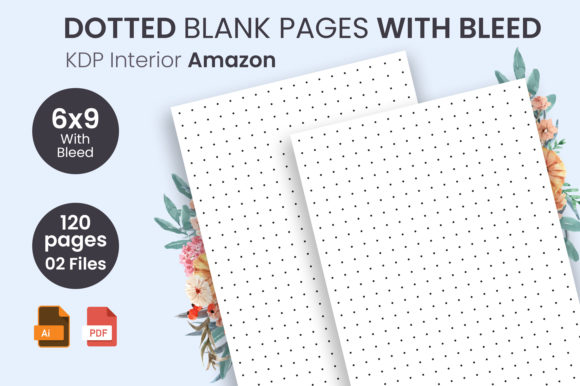
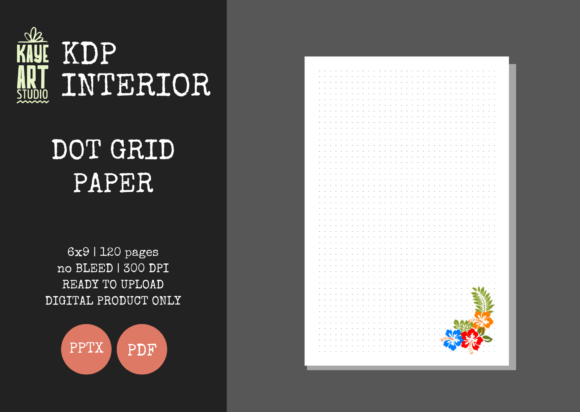
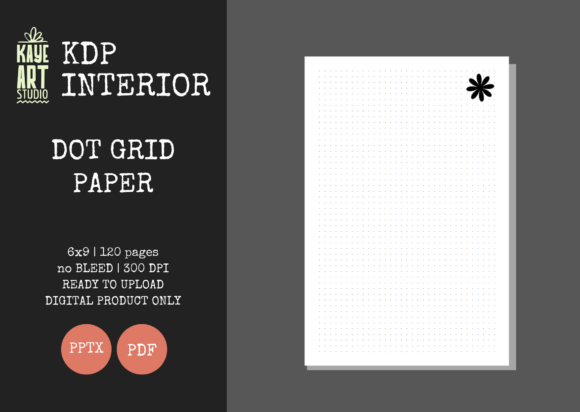
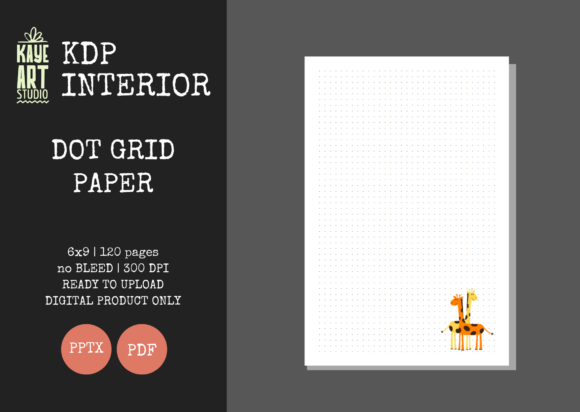
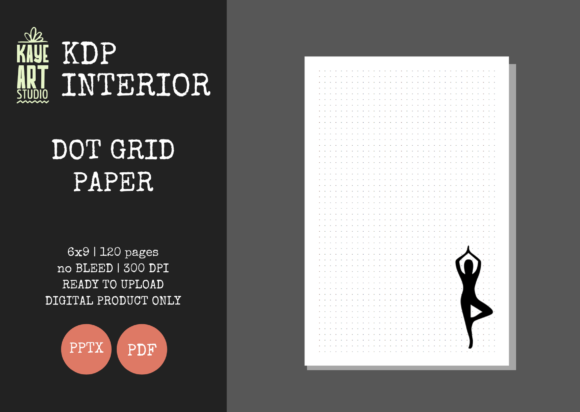
When selecting an interior template like the KDP Dot Grid Paper 10, two specifications define the product's physical reality: the trim size and the bleed setting. The 6x9 inch trim size is widely considered the industry standard for trade paperbacks and journals. It is compact enough to be portable yet large enough to offer ample writing space. From a printing cost perspective, 6x9 often sits in a sweet spot that maximizes royalty margins while remaining affordable for consumers.
Equally important is the NO BLEED setting. In printing terminology, "bleed" refers to artwork or color that extends beyond the edge of the page, requiring the printer to trim the excess. While full-color illustrated books require bleed, most functional journals do not. Choosing a no-bleed interior means the dot grid pattern stops within the safe margin area. This is crucial for several reasons:
- Printing Safety: KDP printers have slight mechanical variances. A no-bleed design ensures that even if the cut shifts slightly, the grid remains centered and no white borders appear unintentionally.
- Cost Efficiency: No-bleed books generally have different pricing tiers and production considerations compared to bleed books.
- User Experience: Functional journals need margins. Users need space to hold the book open without covering the grid with their thumbs. A properly formatted no-bleed 6x9 interior accounts for the gutter (inner margin) and outer margins automatically.
Analyzing the File Structure and Quality Standards
A common misconception among new KDP publishers is that any PDF found online is suitable for commercial use. Professional interiors like the KDP Interiors Dot Grid Paper are distinguished by rigorous quality standards. The specification of 300 DPI (Dots Per Inch) is non-negotiable. Screens display images at 72 or 96 DPI, but print requires significantly higher resolution to avoid pixelation. A dot grid printed at low resolution will appear fuzzy or jagged, leading to negative reviews and returns. High-resolution 300 DPI files ensure crisp, clean dots that look professionally manufactured.
Furthermore, the inclusion of 120 pages represents a strategic balance. A 120-page journal provides substantial value to the customer without becoming too heavy or expensive to produce. It is thick enough to feel like a premium product but thin enough to maintain healthy profit margins. When utilizing pre-made interiors, verifying that the file has been tested on KDP is vital. This testing confirms that margins are correct, the page count matches the metadata, and the file passes Amazon’s automated review process without rejection.
The Advantage of Editable PPTX Files
While PDF is the final delivery format for KDP, the inclusion of an editable PowerPoint (PPTX) file transforms a static product into a flexible asset. Many beginners assume they need complex software like Adobe InDesign to modify interiors. However, PowerPoint is surprisingly capable for low-content book formatting.
Having the source PPTX file allows you to:
- Customize Branding: Add a logo, website URL, or copyright notice to the first or last page.
- Adjust Grid Spacing: If you want to create a variation with larger or smaller dot spacing, you can modify the master slide rather than rebuilding the document from scratch.
- Create Series Consistency: Maintain identical formatting across multiple journals while changing only the title page or introductory content.
- Add Value-Add Pages: Insert habit trackers, goal-setting worksheets, or index pages before the main grid section to differentiate your book from competitors using identical generic grids.
This editability supports the E-E-A-T principle (Experience, Expertise, Authoritativeness, and Trustworthiness) by enabling you to create unique products rather than duplicate content. Amazon increasingly favors books that offer distinct value, and customization is the key to achieving that distinction.
Navigating Copyright and Commercial Use
It is imperative to clarify what this type of listing entails. As noted in the product features, this listing is for INTERIOR only. Publishers must create their own covers. This separation exists because the interior is a functional utility, while the cover is the primary vehicle for intellectual property and branding. Using stock interiors is perfectly acceptable and legal, provided you have the appropriate commercial license. However, you cannot trademark the interior layout itself, nor can you claim exclusive rights to a standard dot grid pattern.
Your creative effort should be directed toward the cover design and any unique front-matter content you add via the editable PPTX file. The cover is what sells the book; the interior is what generates repeat customers and positive reviews. By combining a technically flawless, tested interior with a unique, high-converting cover, you mitigate the risk of account issues associated with duplicate content while maintaining high production efficiency.
Practical Workflow for Implementation
Integrating these ready-for-upload files into your publishing workflow requires a systematic approach. First, always download and inspect both the PDF and PPTX files before uploading. Open the PDF at 100% zoom to verify dot clarity. Check the page count to ensure it aligns with your intended listing details. Next, use the PPTX file to add any custom elements. Save your modified version as a new PDF, ensuring you select "High Quality Print" or "Press Quality" in your export settings to maintain the 300 DPI standard.
Finally, utilize KDP’s Previewer tool before publishing. Even though the file is marketed as "tested," variations in your computer’s PDF exporter or added custom content can sometimes shift margins. The Previewer acts as the final gatekeeper, highlighting any text or graphics that fall outside the safe zone. This extra step prevents the frustration of rejected manuscripts and ensures that the physical book arriving at the customer's door matches the digital promise.
Building a Sustainable Low Content Business
Ultimately, tools like KDP Dot Grid Paper 10 are enablers, not shortcuts to instant wealth. They solve the technical friction of book formatting, allowing entrepreneurs to focus on market research, keyword optimization, and design. In the broader context of digital entrepreneurship, leveraging standardized, high-quality assets is a hallmark of scalable business models. Just as web developers use frameworks and graphic designers use templates, KDP publishers use tested interiors to maintain consistency and quality.
By understanding the nuances of trim sizes, bleed settings, resolution requirements, and file editability, you move beyond being a mere uploader to becoming a thoughtful publisher. You ensure that every journal you release meets professional standards, respects the customer’s needs, and contributes positively to the KDP ecosystem. Whether used for academic note-taking, artistic exploration, or daily planning, a well-crafted dot grid journal remains a timeless tool, and mastering its creation is a valuable skill in the modern self-publishing landscape.